INTEGRATIONS
SharePoint & FuseSign Integration
Connect FuseSign to
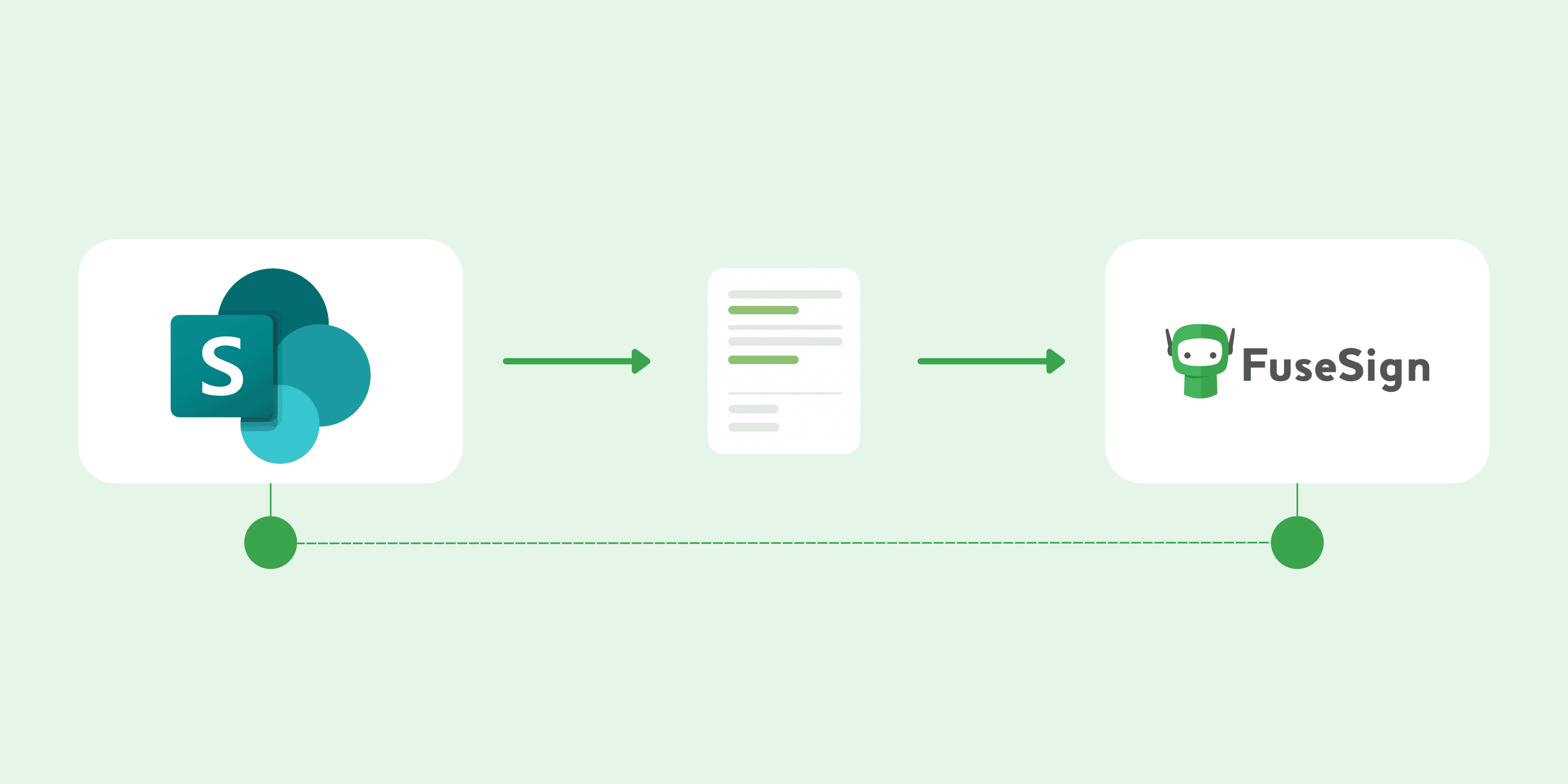
Microsoft SharePoint to send documents for signing directly from SharePoint and automatically save completed documents back.

INTEGRATIONS
Connect FuseSign to
Microsoft SharePoint to send documents for signing directly from SharePoint and automatically save completed documents back.
Add documents directly from SharePoint
Select documents from SharePoint while creating a FuseSign bundle, without downloading and re-uploading files between platforms
Automatically save files back to SharePoint
Once signing is complete, FuseSign automatically saves the signed file back to the original SharePoint location.
Work with your existing permissions
Users can only browse and select SharePoint documents they already have permission to access through their Microsoft account.
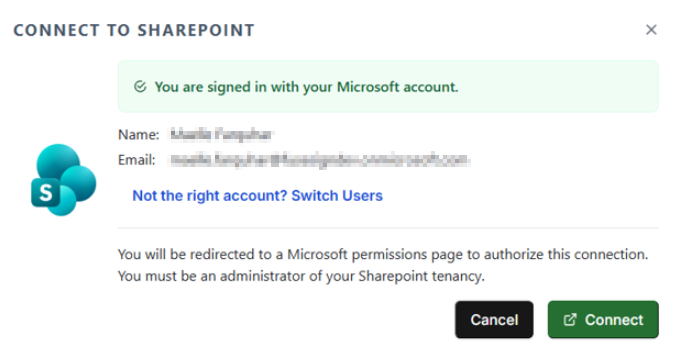
Connect to SharePoint
.png)
Add documents from SharePoint
Signed documents file back automatically
.png)
Microsoft SharePoint helps a large number of companies, including accounting firms, store, organise, and access documents across their teams.
The FuseSign integration connects these documents to your signing workflow, reducing manual file handling and keeping completed documents within SharePoint.
.png)
Want to see how FuseSign fits into your existing tools? Book a demo with the team or start a free trial.
Are you a software provider? Integrate with FuseSign.
Company
Resources
Developers