
Start Trial Start Trial

How to get every self assessment return completed and signed by 31 January (without burning out your team)
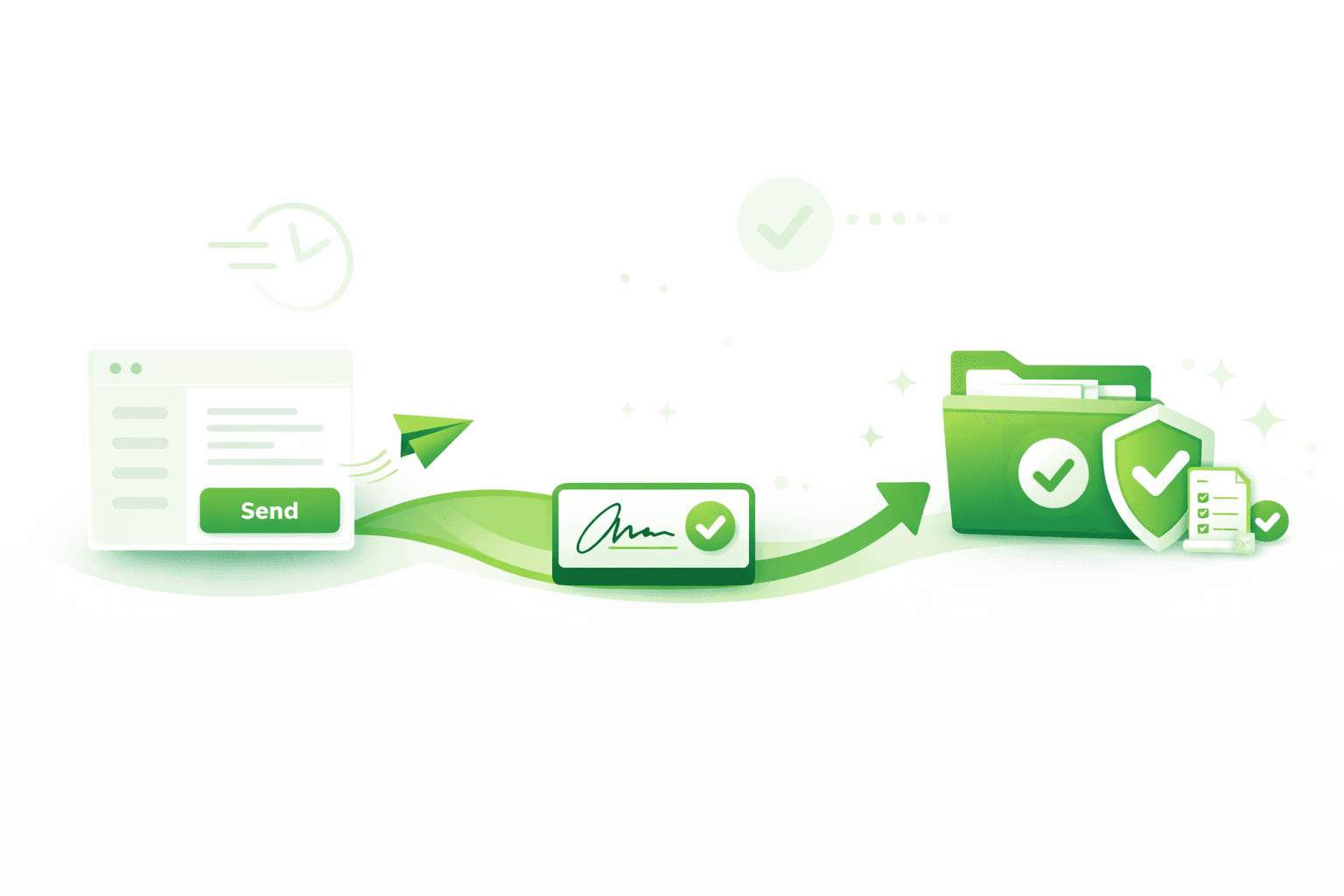
January does not need to be chaos. If you run a clear weekly system and give clients a fast, familiar way to sign on their phone, you can move returns from “waiting” to “filed” without late-night heroics.

This post from our latest webinar with Reza Hooda and Lauren Thompson into a practical, do-this-next plan. Missed it? Watch the recording.

Direct answer (So you can act fast)

Here’s the short version you can act on today:

  • Set visible weekly targets for sent, signed and filed, and track them in a single shared view so anyone can see what’s outstanding and who owns it.
  • Send signing links by email and SMS (add two-factor authentication when needed).
  • Manage every signature in one approval list with FuseSign.
  • When complete, have the signed documents + digital certificate file straight back into your document management system so billing, submission and close-out happen without babysitting.

Want the structure Reza shared? Grab his Notion template and how-to.

Why January jams up (and what to change)

The flow that removes friction (send > signed > filed)

The weekly operating rhythm (built for 10-250 person firms)

  • Publish numbers, not wishes. Set targets for sent, signed and filed each Monday; review on Friday. Visibility creates accountability without micromanaging.

  • Keep progress visible. Use a simple “factory view” such as waiting for records → in prep → ready to send → awaiting signature → signed → submitted.

  • Standardise client comms. One clear ask per message. Use email first, SMS for speed, and a quick call for the last mile.

  • Protect capacity. Chip away weekly rather than saving everything for mid-January. A steady cadence beats a late scramble.

FAQs covered on the session

Do clients need a portal login?

No. They receive a secure link by email and SMS. Add 2FA if you need extra assurance.

The full audit trail is retained.

Can we handle multi-approver packs?

Yes. Bundle once, control who can view vs sign, set due dates and let reminders handle follow-ups.

Your team sees status at a glance in the approvals list.

How do we reduce chasing?

Use due dates and targeted reminders that message only the outstanding signer.

Keep human follow-up for the few that genuinely need it.

Where do tools fit?

Your document management system carries drafts, approvals, and downstream steps.

FuseSign delivers a client-friendly signing experience and keeps every approval in one place.

Conclusion

You do not need longer hours to hit 31 January. Reduce friction for clients, keep one shared rhythm for the team, and let your tools do the heavy lifting: approvals in one list with FuseSign, and signed packs returning automatically to your document management system with the audit trail. 

Where does your SA process stall today? Waiting on records? Getting signatures? Or getting the signed pack filed and billed?

Map this to your setup Map this to your setup

© FuseWorks Pty Ltd 2012-2026 | ABN 78 159 891 335