
New Feature: Restricted Signature Modes
.png)
FuseSign is rolling out Restricted Signature Modes, giving accounting firms greater control over how recipients can sign
documents. Some documents or internal processes may require a particular style of signature.
With Restricted Signature Modes, firms can disable signature options that are not suitable for a specific bundle. For example, a firm can disable Typed signatures so recipients must Draw their signature or Upload an Image instead.
The new feature allows firms to:
- Choose which signature modes are available to recipients
- Enable or disable Typed, Draw and Upload Image options
- Apply restrictions only to bundles that need them
- Clearly identify affected bundles with a Restricted Signature Modes tag
- Maintain a straightforward signing experience by showing recipients only the permitted options
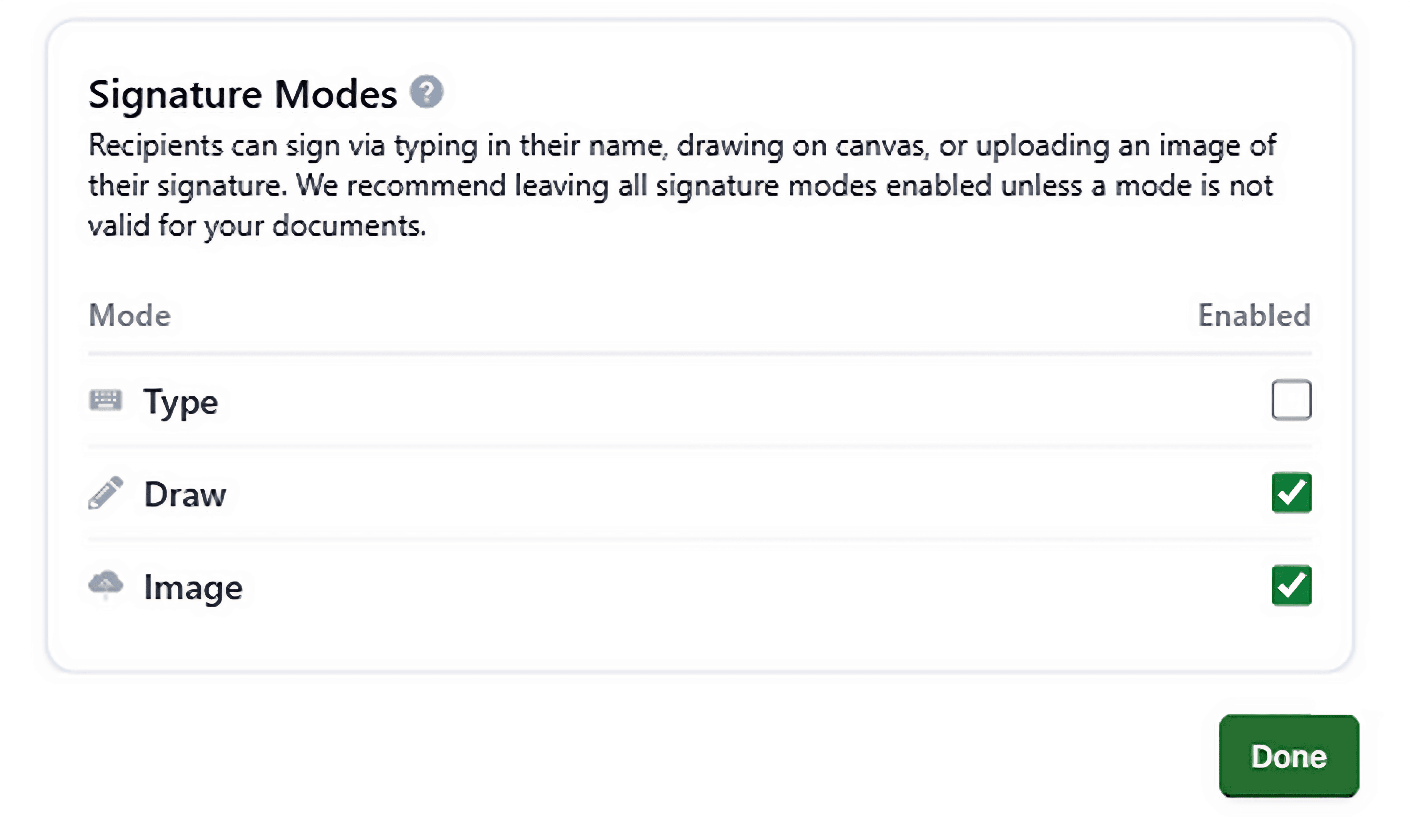
All signature modes remain enabled by default, so firms do not need to change their existing workflows unless a document has particular signing requirements.
Initially available in Bundle Reviewer
Restricted Signature Modes is being introduced incrementally. During the initial rollout, firms can apply restrictions through Bundle Reviewer, including to bundles sent to FuseSign from connected platforms such as CAS 360.
This approach will allow us to learn how firms use the feature, understand the experience for recipients and gather feedback before considering further development.
More control when your documents require it
Restricted Signature Modes adds another layer of flexibility to FuseSign’s signing workflows without creating extra work for every bundle. Firms can continue using all available signing modes by default, then apply restrictions when a specific document or process calls for them.
Ready to try it? Learn how to restrict signature modes in Bundle Reviewer .