Closing the loop between storage and signature: FuseSign launches Microsoft SharePoint integration
.png)
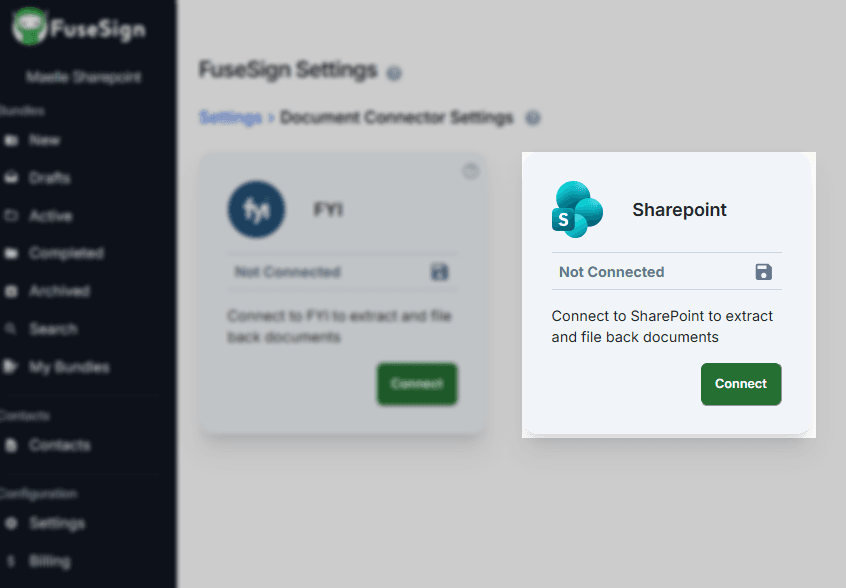
The highly anticipated Microsoft SharePoint and FuseSign integration is now live, giving accounting firms an easier way to move documents from storage to signature and back again.
The integration has been a priority for FuseSign as a large number of accounting firms, particularly UK-based, using SharePoint as the foundation of their document management workflow.
For firms already using the Microsoft Suite, connecting SharePoint with FuseSign helps remove the manual steps that would typically sit between managing a document and sending it for signature.
“As a product team, we’re always paying close attention to what our clients are telling us.
“We were seeing a growing need for a SharePoint integration, especially in the UK market, and identified a clear opportunity to better support the many firms using SharePoint as part of their document management workflow.”
A closed loop for document signing
.png)
FuseSign users can now select documents directly from SharePoint when creating a signing bundle, rather than downloading them and uploading them into FuseSign separately.
Once signing is complete, the signed file is automatically saved back into the same SharePoint folder as the original. This creates a connected document loop from SharePoint to FuseSign, through signature, and back into SharePoint.
Users can only browse and select documents they already have permission to access through their Microsoft account.
Less handling, fewer manual steps
Reducing the manual movement of documents between systems saves staff time and helps firms maintain a more reliable document management process.
With completed documents automatically returned to SharePoint, firms can spend less time downloading, uploading and filing files, while reducing the risk of signed documents being misplaced or saved in the wrong location.
The result is a more consistent record of completed documents in SharePoint, without adding complexity for clients. They still receive one clear FuseSign bundle containing everything they need to review and sign.
Want to get started?
Connecting the integration requires approval from a Microsoft Entra administrator and completion by a FuseSign Champion.
For connection steps, required permissions, and an in depth guide on using the integration visit the SharePoint integration knowledge base guide.
New to FuseSign? Start your free 14 day trial here